


Product information:
Applicable people: Ladies
Specifications: Standard specifications
Applicable skin type: Neutral
Category: Body Care Kit
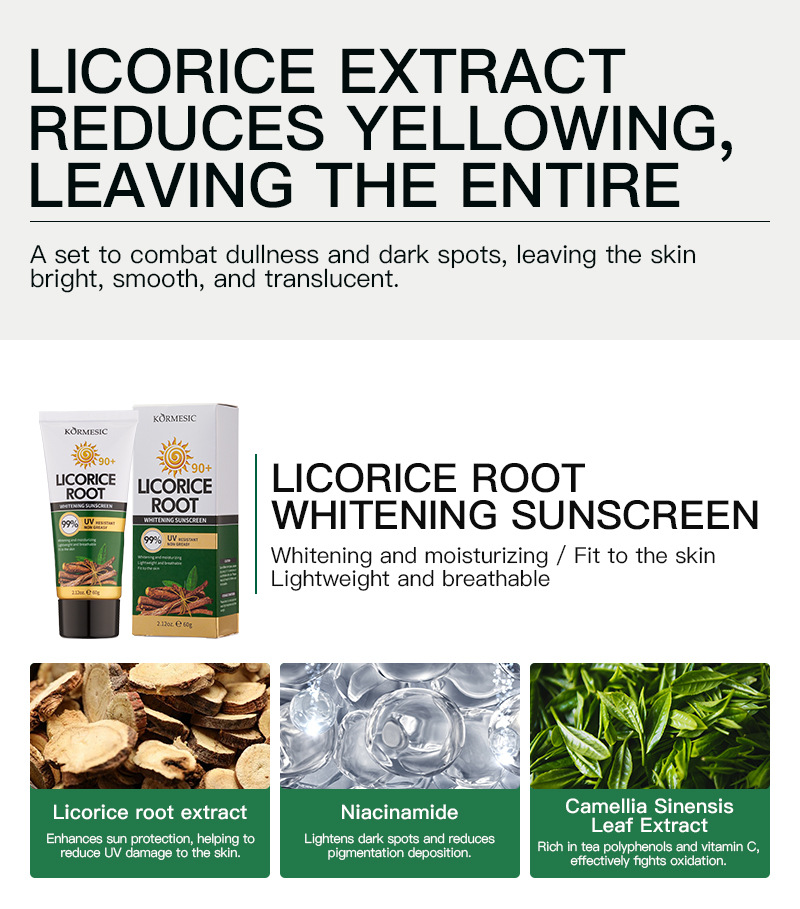
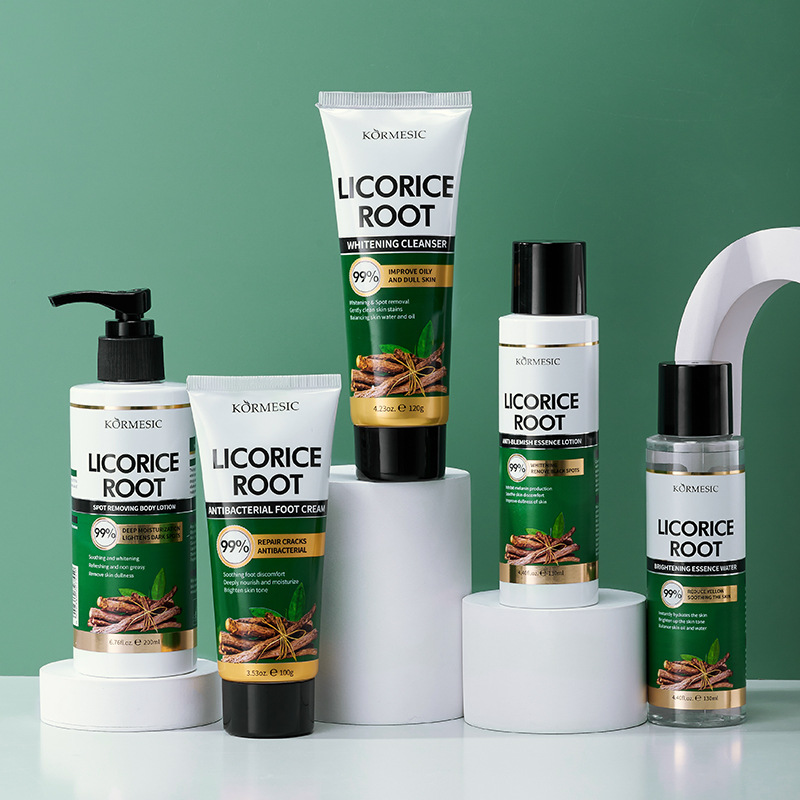
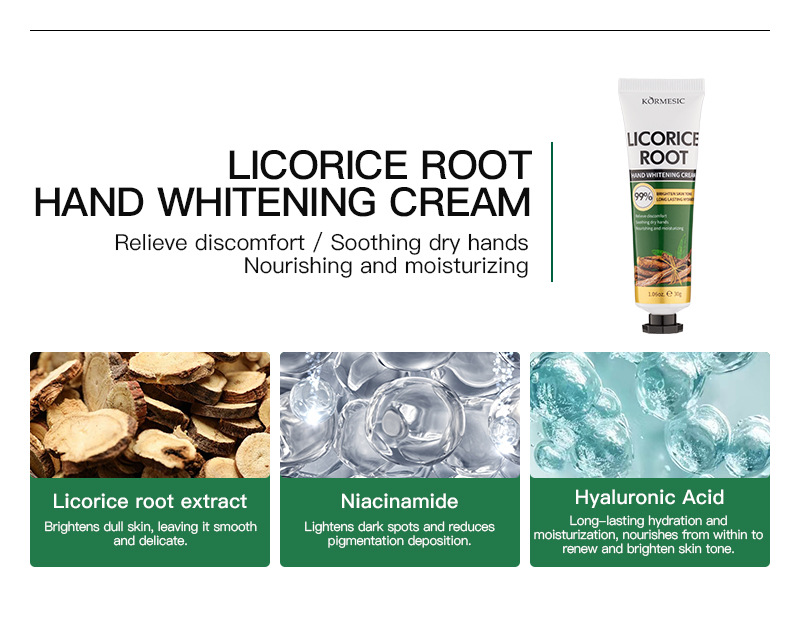
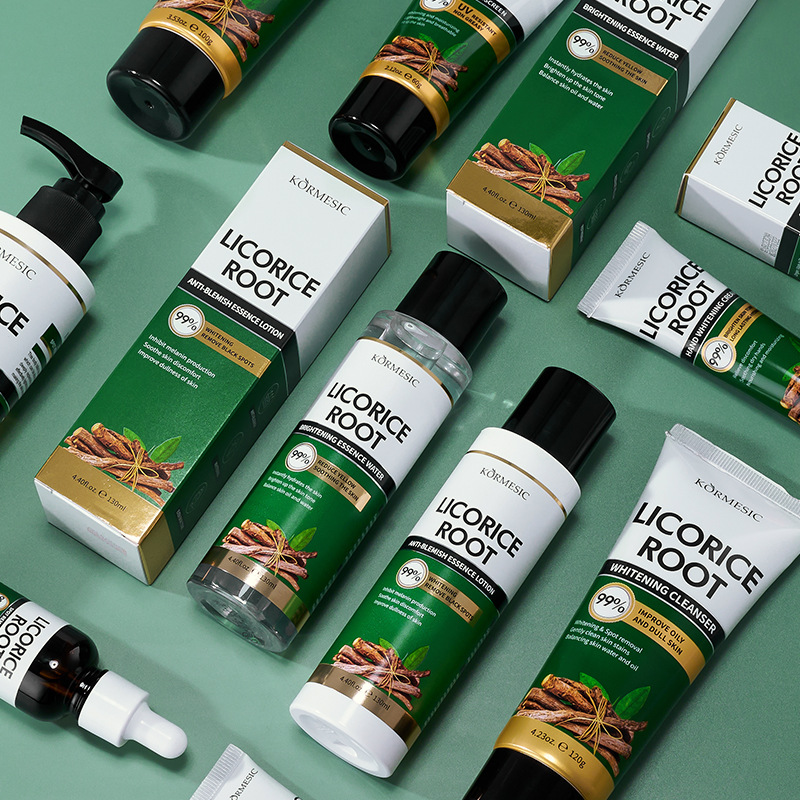
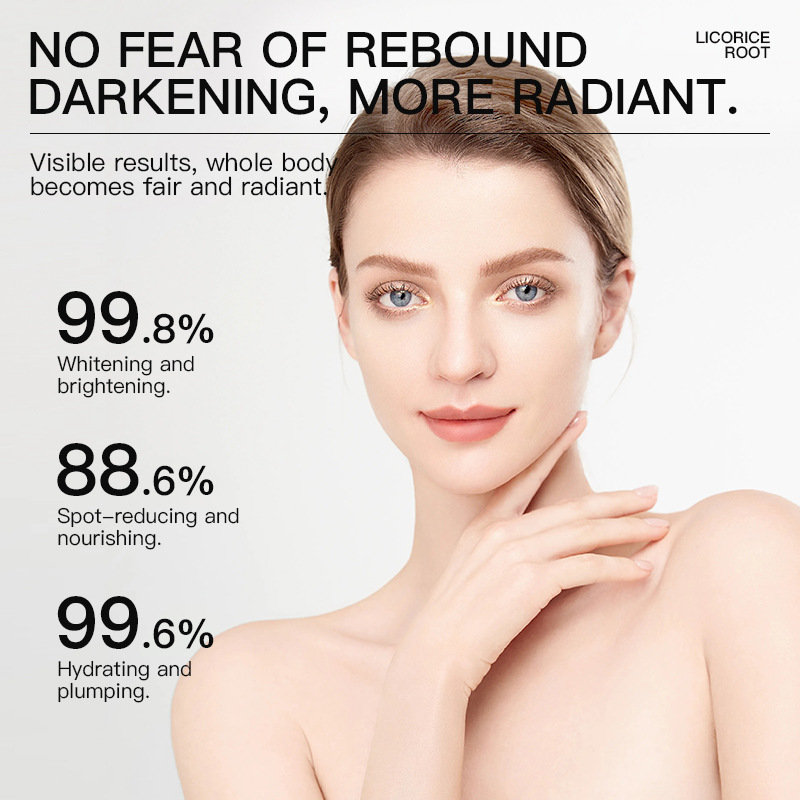
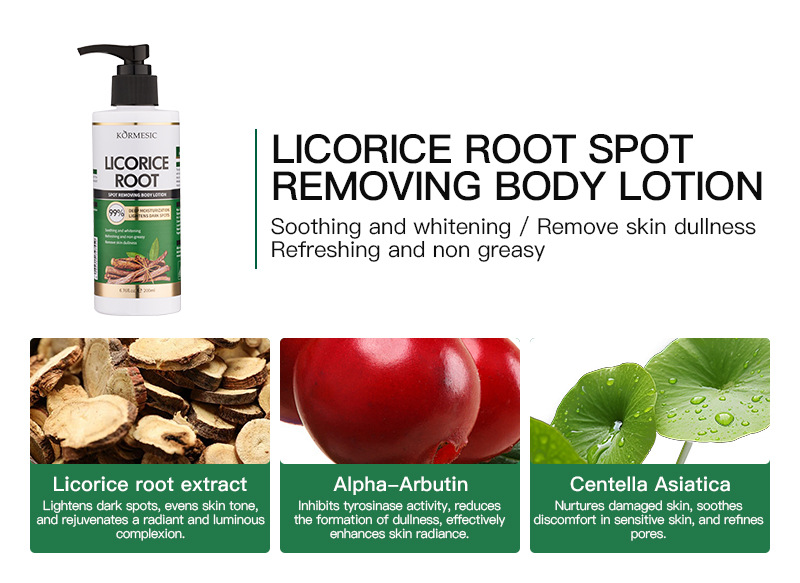
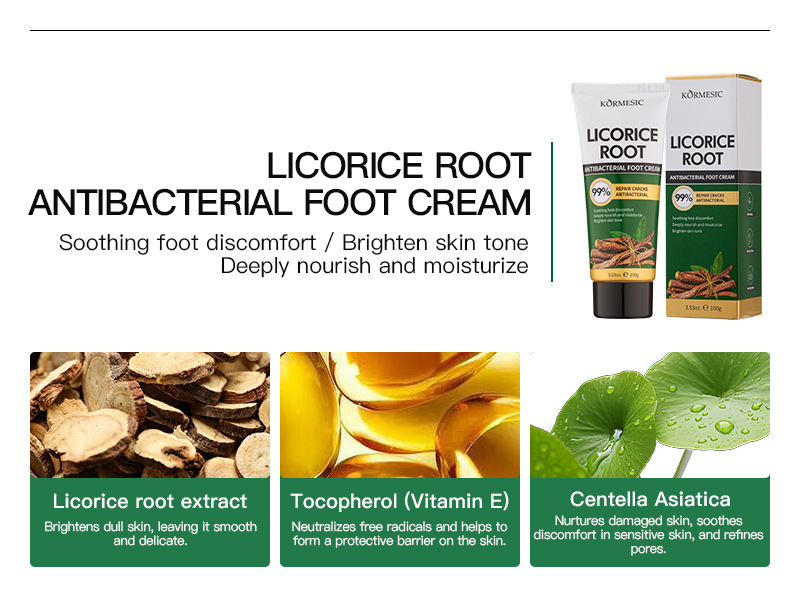
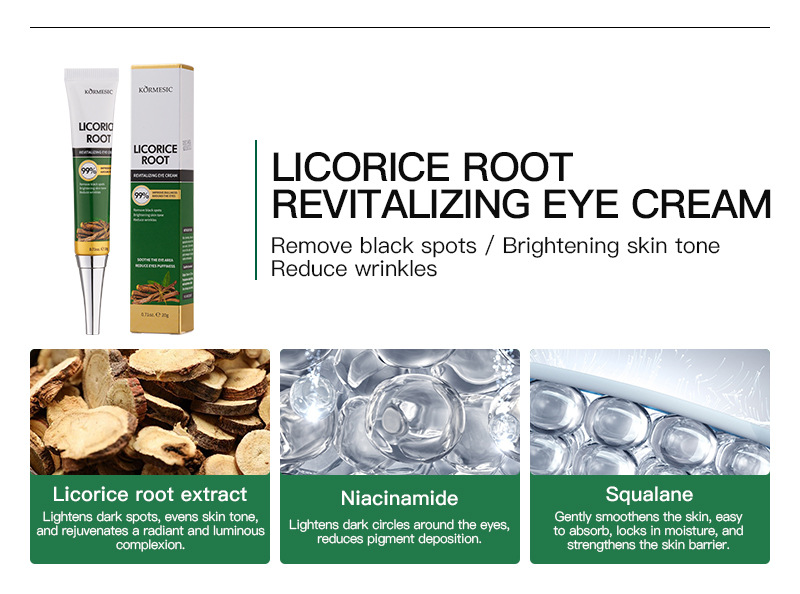
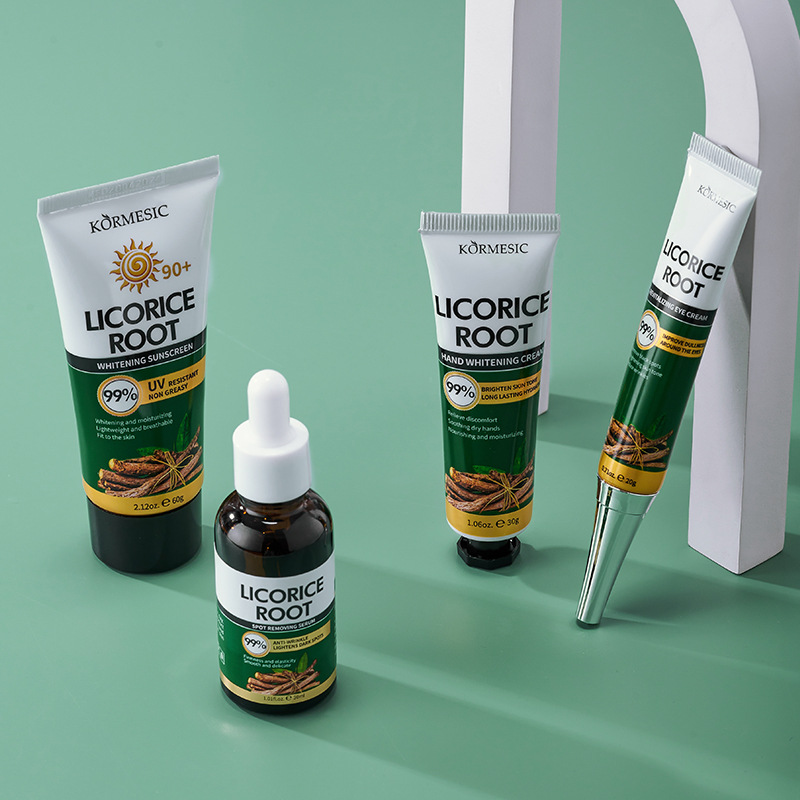
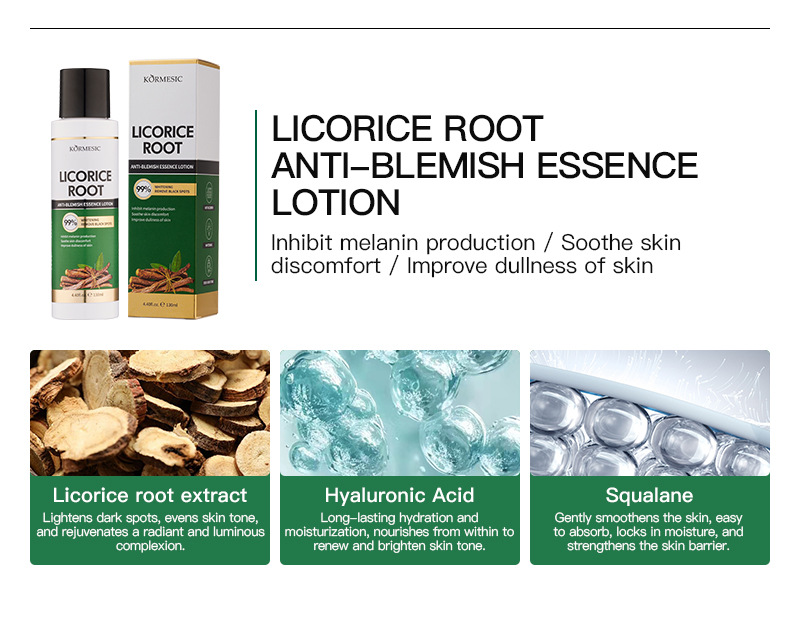
Color classification: 30g licorice root hand cream, 120g licorice root facial cleanser, 20g licorice root eye cream, 30ml licorice root essence liquid, 100g licorice root foot cream, 200ml licorice root body milk, 130ml licorice root essence water, 130ml licorice root essence milk, 60g licorice root sunscreen
Hand cream * 1/facial cleanser * 1/eye cream * 1/essence liquid * 1/foot cream * 1/body cream * 1/essence water * 1/essence cream * 1/sunscreen * 1





FAQs
How to buy a product?
🛒 How to Shop at City Treatz
Shopping for your favorite beauty and self-care products is easy! Just follow these simple steps:
1. Find Your Treats
- Browse: Explore our collections (Skincare, Makeup, Accessories, etc.) using the main menu or search bar to find exactly what you're looking for.
- View Details: Click on any product to see photos, read the full description, check reviews, and view pricing.
2. Add to Cart
- Once you've decided, select any necessary options (like color or size, if applicable).
- Click the "Add to Cart" button.
- You can continue browsing or proceed to checkout.
3. Review Your Cart
- Click on the Cart Icon (usually in the top right corner) to view all the items you've added.
- Verify quantities and ensure you haven't forgotten anything!
- Enter any discount codes you have and click "Apply."
4. Secure Checkout
- Click "Proceed to Checkout" or "Checkout."
- Customer Information: Enter your email and shipping address carefully to ensure accurate delivery.
- Shipping Method: Select your preferred shipping speed (options and costs will be calculated here).
- Payment: Choose your payment method (e.g., credit card, PayPal, etc.) and enter your details securely.
5. Place Your Order
- Review your order summary one last time.
- Click the "Place Order" or "Pay Now" button.
- You will receive an Order Confirmation email with your tracking details shortly!
How can i make refund from your website?
📝 General Steps to Request a Refund
- Locate the Store's Contact Information:Go to the City Treatz website (citytreatz.shop).Look for a link in the footer or header labeled "Contact," "Returns," "Refund Policy," or "Terms & Conditions."
- Review the Refund Policy:Read their official policy to understand the time frame for returns (e.g., 14 or 30 days) and any restrictions (e.g., final sale items like lingerie or beauty products, which are often non-refundable if opened).
- Prepare Your Request:You will need your Order Number.The Name of the Product(s) you want to return.The Reason for the return (e.g., damaged, wrong item, changed mind).Tip: If the item is damaged, take clear photos to include with your email.
- Contact Customer Service:Send an email or use the contact form provided on their website.Clearly state that you would like to initiate a return and request a refund.Wait for their response, which should include specific instructions on where to send the product(s) back.
If you can find the "Contact" link on the City Treatz website, I would be happy to help you draft the email request.
I am a new user. How should I start?
💡 What Can I Help You With?
- Creative Tasks: I can help you write, edit, or brainstorm content (like the product descriptions and "About Us" text we worked on earlier).Example: "Write a short poem about coffee."
- Information & Research: I can use Google Search to find current information, summarize articles, or answer questions.Example: "What are the current trends in sustainable fashion?"
- Planning & Organization: I can help draft outlines, create lists, or plan trips (using the enabled flights, hotels, and maps tools).Example: "Help me plan a five-day itinerary for a trip to Tokyo."
- Code & Technical Help: I can write, review, and explain code snippets or mathematical concepts (using LaTeX where needed).Example: "Explain the concept of quantum entanglement."
- Image Requests: I can generate or edit images for you.Example: "Generate an image of a futuristic city at sunset."
Are my details secured?
Key Points on Your Privacy:
- Chat Data: Your conversations help improve my services and are treated in accordance with Google's Privacy Policy.
- External Links/Files: When you provide a store link or upload a file (like the banner images), I only use that content to fulfill your specific request (e.g., browsing the store for context or analyzing the image style). I do not save or share that private content outside of our session.
- Confidentiality: I am programmed to maintain confidentiality regarding the content of our discussions.
In summary, the information you share with me in this chat is handled securely and privately according to Google's policies.
Is there anything else I can help clarify about how I operate, or a task I can assist you with right now?
How do I make payment by my credit card?
💳 Steps for Credit Card Payment
- Proceed to Checkout:After reviewing your cart, click "Proceed to Checkout" or "Checkout."
- Enter Shipping Information:Provide your full name, shipping address, and contact information (email/phone number).
- Choose Payment Method:On the payment page, select "Credit Card" or "Debit Card" as your payment option.
- Input Card Details:
You will need to enter the following information exactly as it appears on your card:Card Number: The long 14-to-16-digit number on the front of the card.Expiration Date: The month and year (e.g., 12/28) usually found on the front.Security Code (CVV/CVC): The 3-digit code on the back of Visa/Mastercard, or the 4-digit code on the front of American Express.Name on Card: The cardholder's full name. - Enter Billing Address:Crucially, enter the billing address associated with your credit card account. This often needs to match the address your bank has on file for the payment to be successful.
- Complete the Purchase:Review the final price, including shipping and taxes.Click the final button labeled "Pay Now," "Place Order," or "Complete Purchase."
Important Security Note: The checkout page for City Treatz should be secure, which is typically indicated by a lock icon 🔒 in your browser's address bar and the website address starting with https://. Never enter your card details on a site that does not show this security indicator.
Is there a specific product you are trying to buy from City Treatz right now, or are you looking for general information?